Japper — Find your migration pathway — and everything you need to complete it.
Japper is an immigration companion platform that helps people navigate the process of moving to a new country. It matches users to the right visa pathway based on their goals, then gives them a structured workspace to complete that journey — tracking tasks, organizing documents, connecting with verified consultants, and accessing community reviews, all in one place.
Enter Password
The Problem
Immigration is one of the most consequential processes a person can undertake, yet it remains deeply fragmented. People piece together information from government sites, immigration forums, WhatsApp groups, and expensive consultants — with no single source of truth and no way to track where they stand.
The Insight
The anxiety of immigration isn't just about eligibility — it's about not knowing what's next. A platform that answers "which pathway fits me?" and then immediately answers "what do I do now?" removes the two biggest points of paralysis in the journey.
Product VIsion
A single workspace that takes someone from "I want to move" to "I'm approved" — with every step, document, expert, and piece of guidance they need, organized around their specific pathway and timeline.
LANFING & PATHWAY DISCOVERY
Clarity before commitment
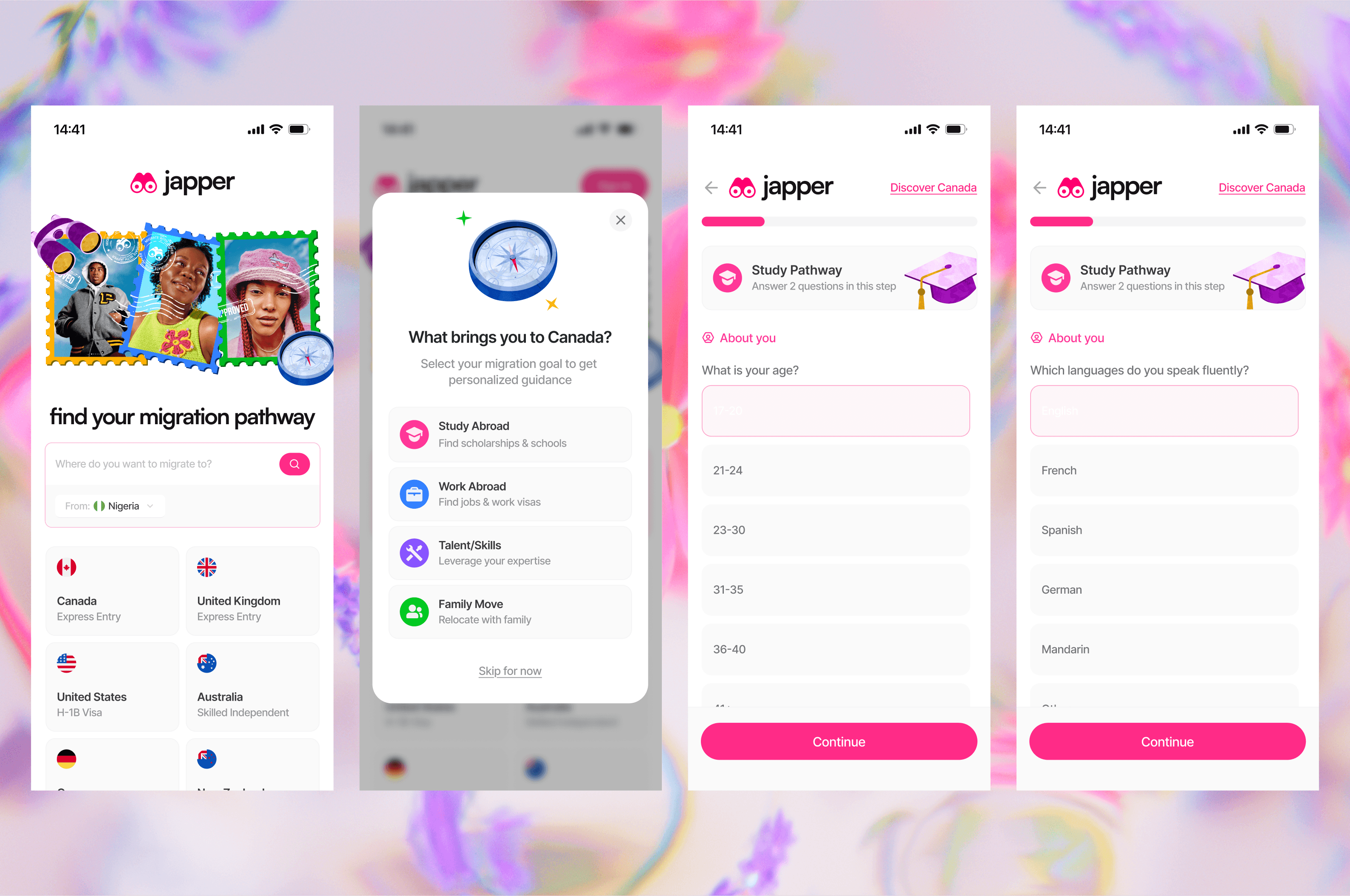
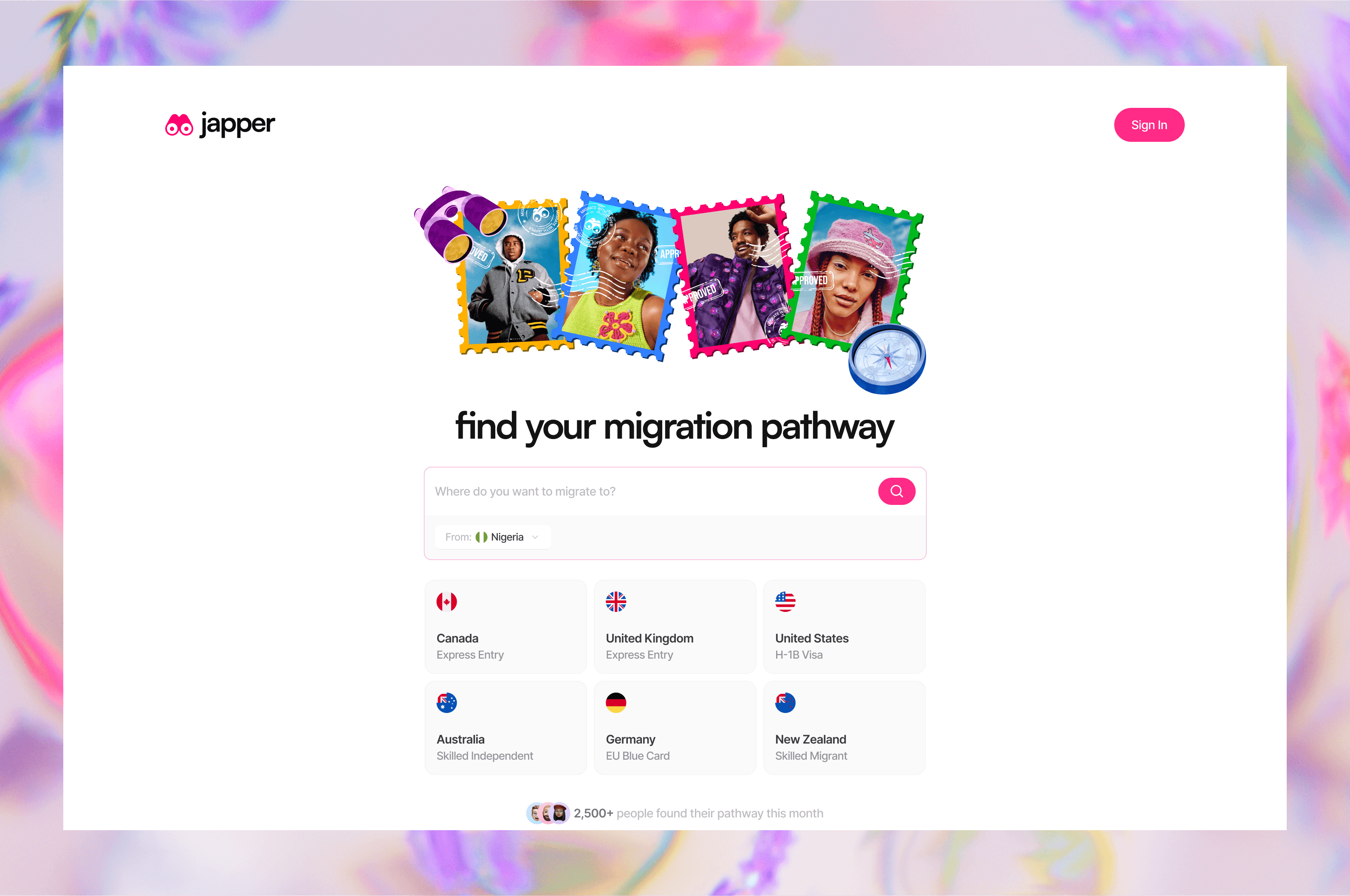
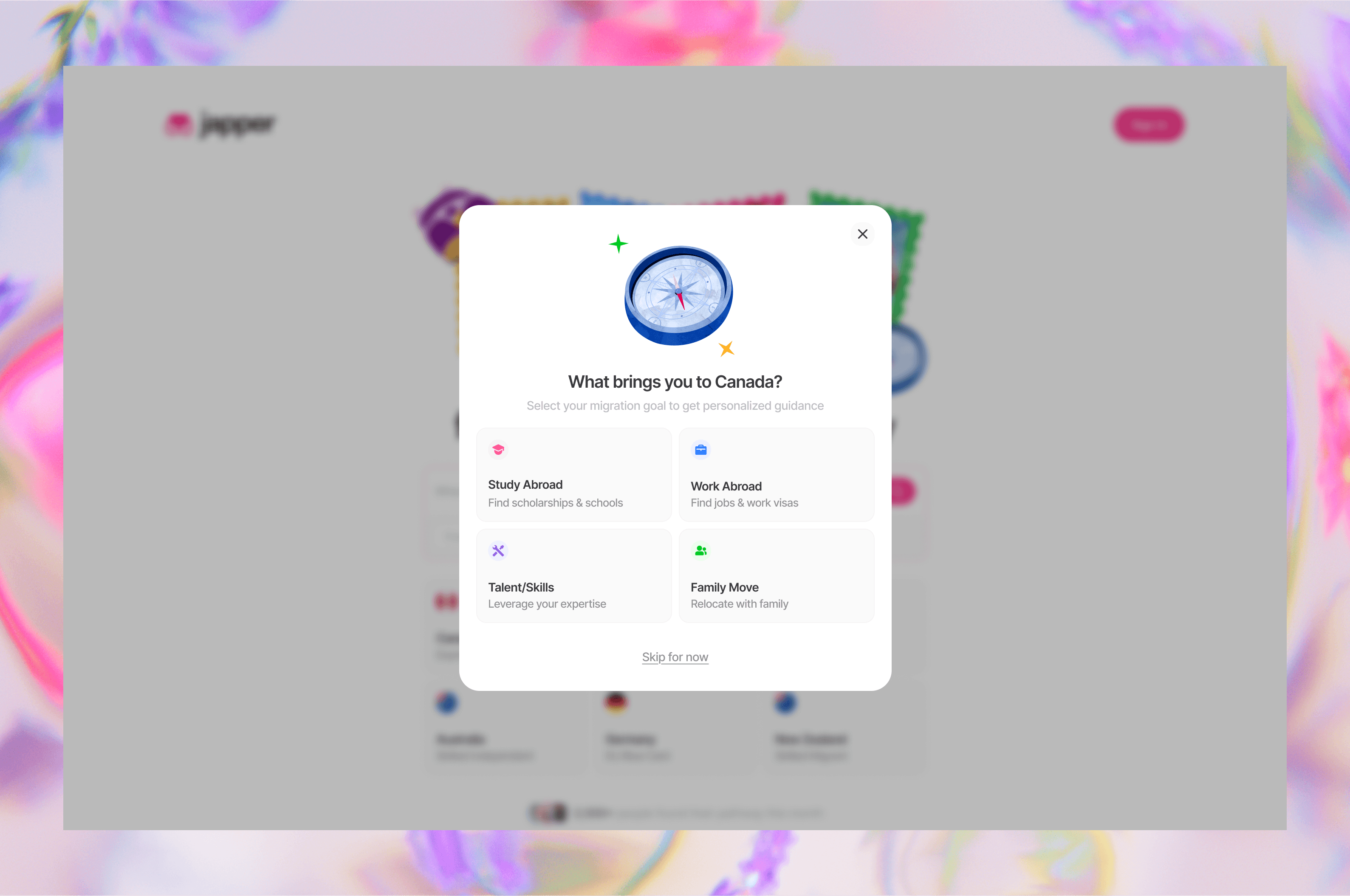
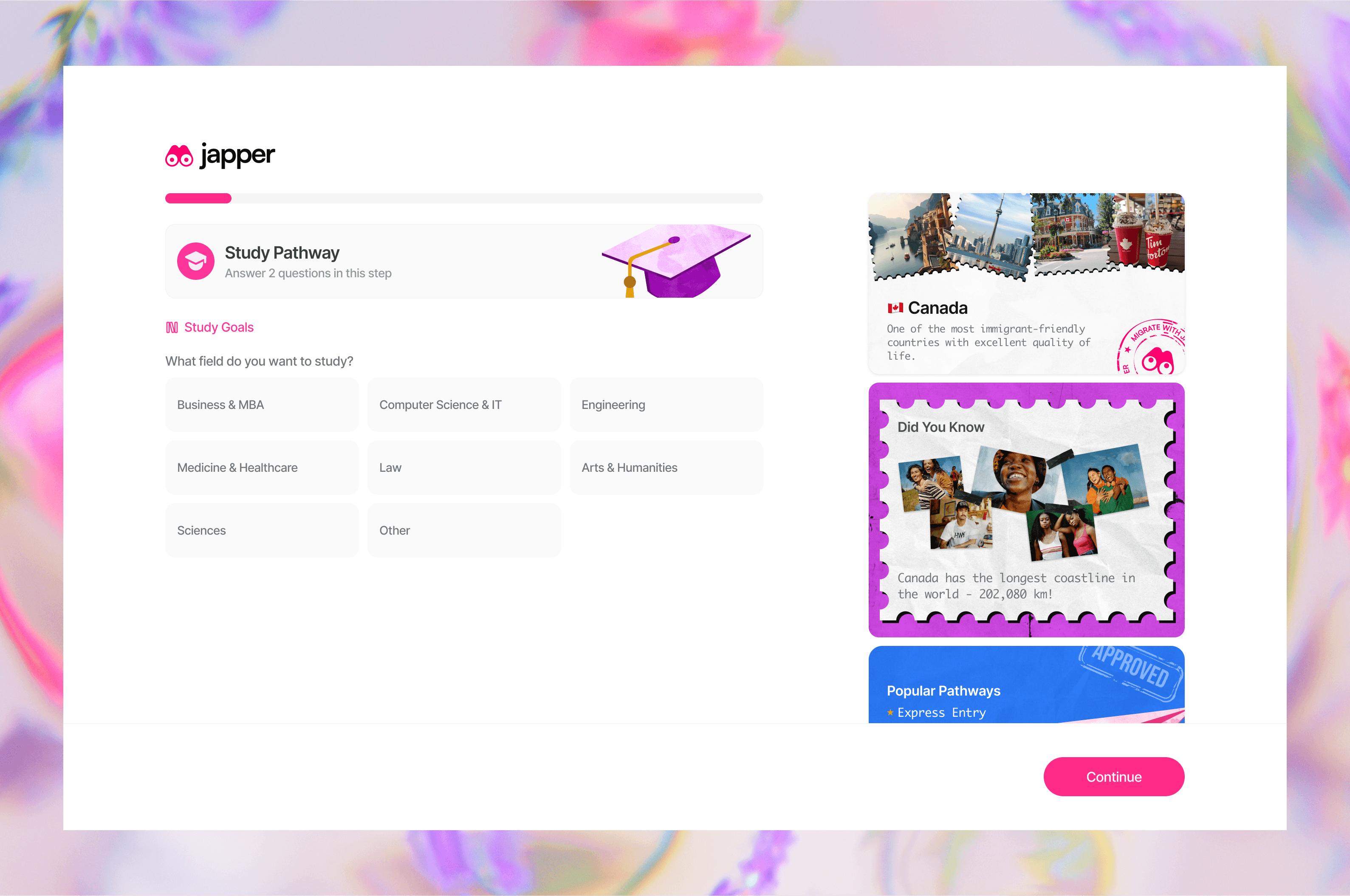
The landing page leads with a single promise — "find your migration pathway" — and immediately backs it up with destination countries and immigration programmes. The decision to surface real options before asking users to sign up is intentional: it lowers the barrier to entry by showing value first. The quiz modal that follows ("What brings you to Canada?") frames a complex eligibility question as a simple, human one — turning what could feel like a form into a conversation. Each answer option is written in plain language, not legal terminology, which signals that this platform was built for the person, not the bureaucrat.
What the user should understand: The platform already knows the pathways — I just need to describe my situation.
What the user should feel: Seen and guided, not screened or judged.
DASHBOARD AND MY TASKS
Progress as the default view
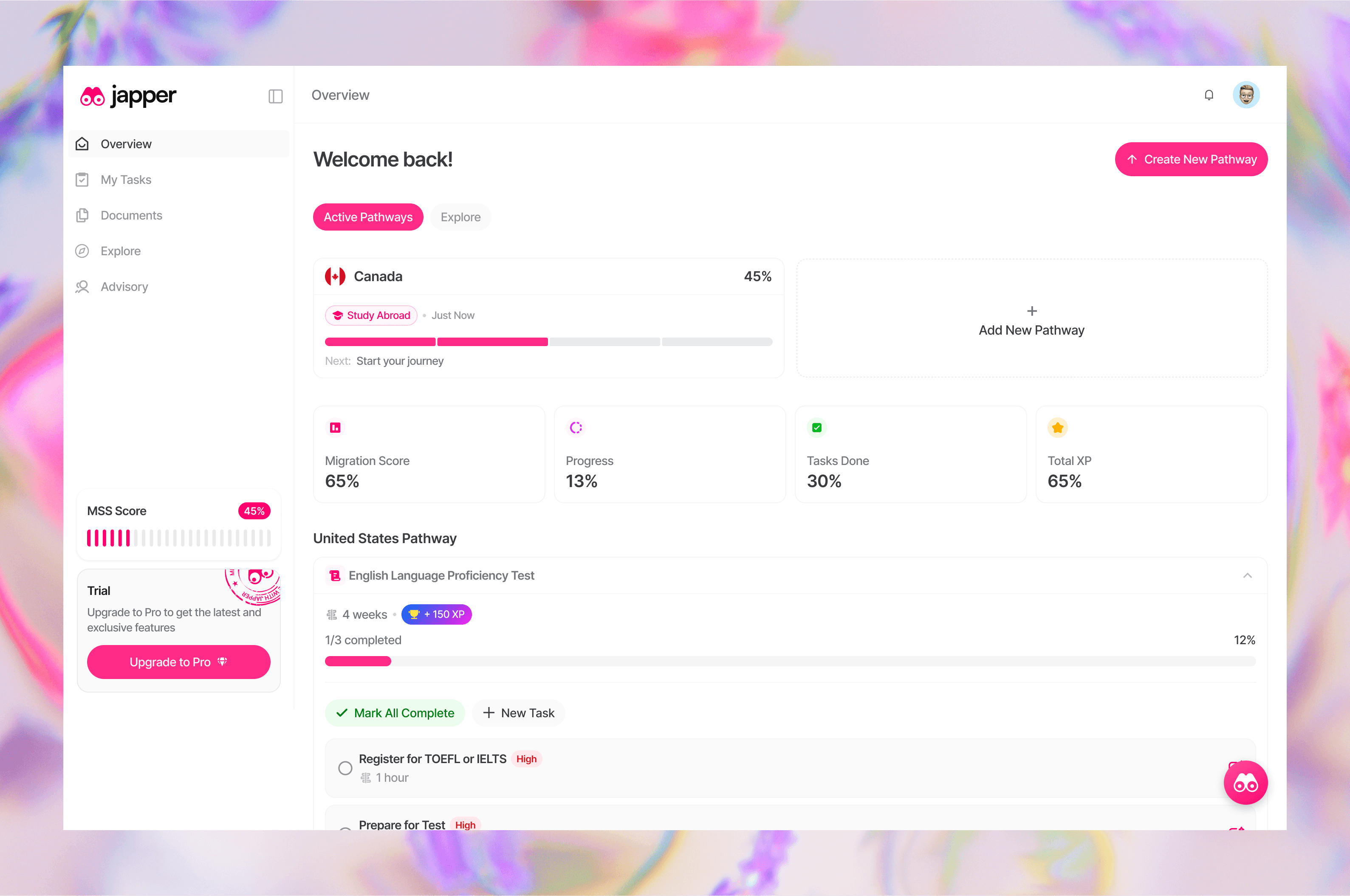
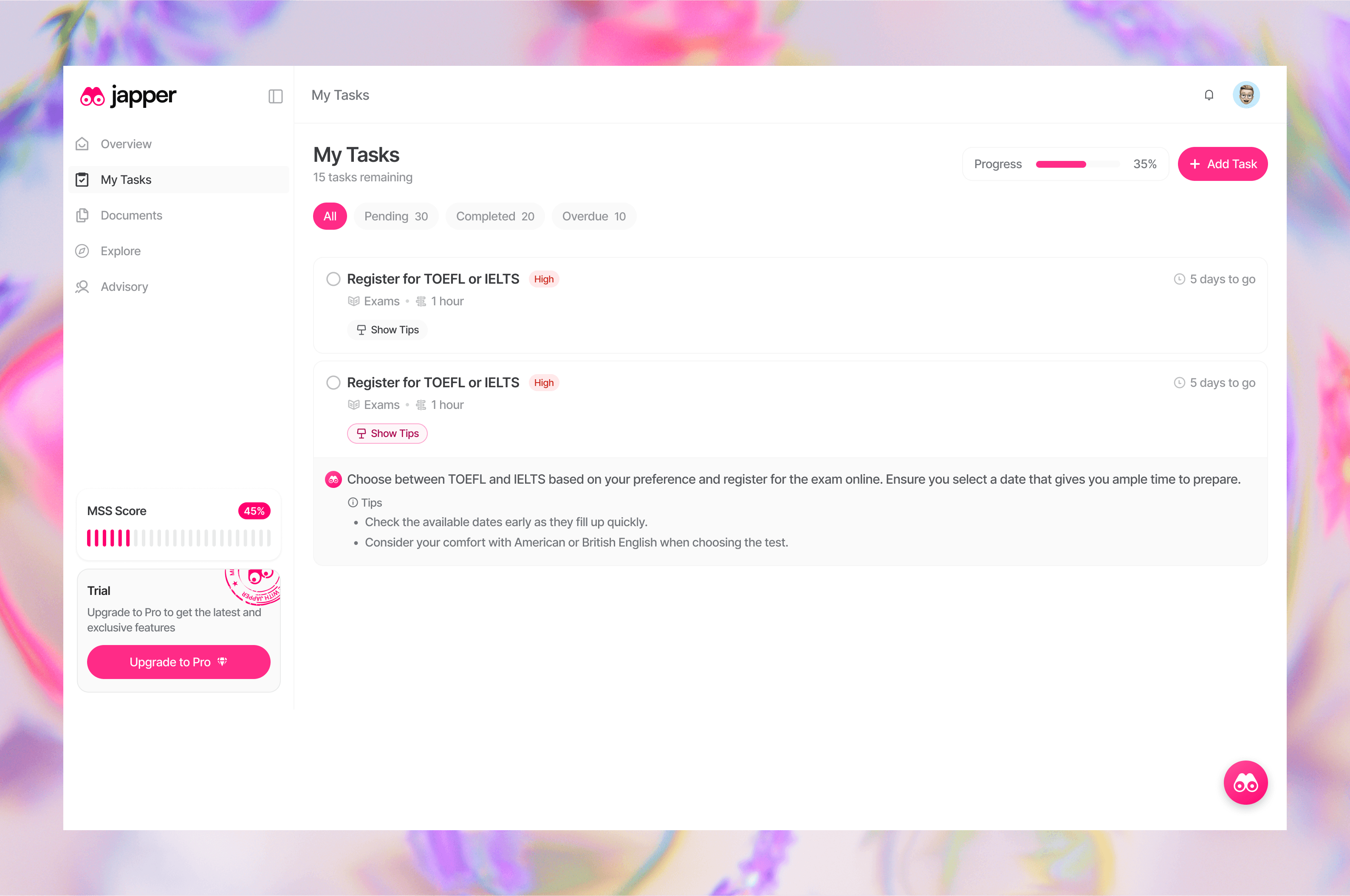
Once inside the platform, the dashboard anchors the user's experience around forward motion. A progress indicator and task list replace the blank slate that most users would otherwise face after onboarding. The decision to make tasks the primary dashboard unit — not notifications or news — reflects a clear design stance: the most useful thing Japper can show a user is what they need to do next. Tasks are sequenced and status-tagged so the user always knows where they are in the process without having to figure it out themselves.
What the user should understand: My pathway has been broken down into concrete steps — I always know what's next.
What the user should feel: In motion, not overwhelmed.
DOCUMENT VAULT
Reducing the cost of being disorganized
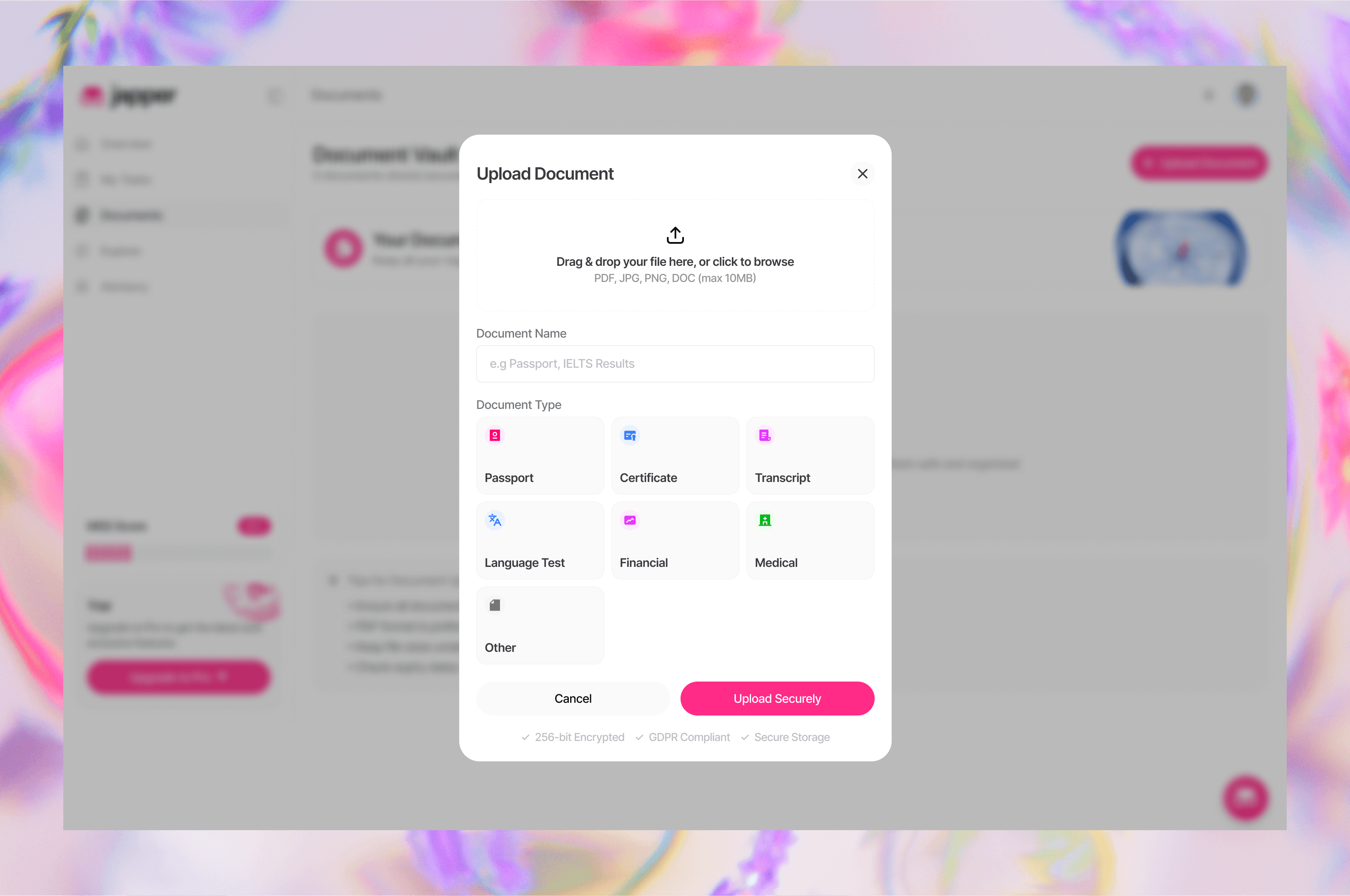
Immigration requires an unusual volume of sensitive documents — passports, transcripts, bank statements, police clearances — gathered over months and from multiple sources. The Document Vault centralizes this without making it feel like file management. By tying each document to a specific task or requirement, the design ensures that uploading a file feels purposeful rather than administrative. The structure removes a hidden source of anxiety: the fear of submitting something incomplete because a document was misplaced or forgotten.
What the user should understand: Every document I need is accounted for and tied to a specific step in my application.
What the user should feel: Organized and submission-ready — not scrambling at the last minute.
EXPLORE & REVIEWS
Trust built into the platform, not bolted on
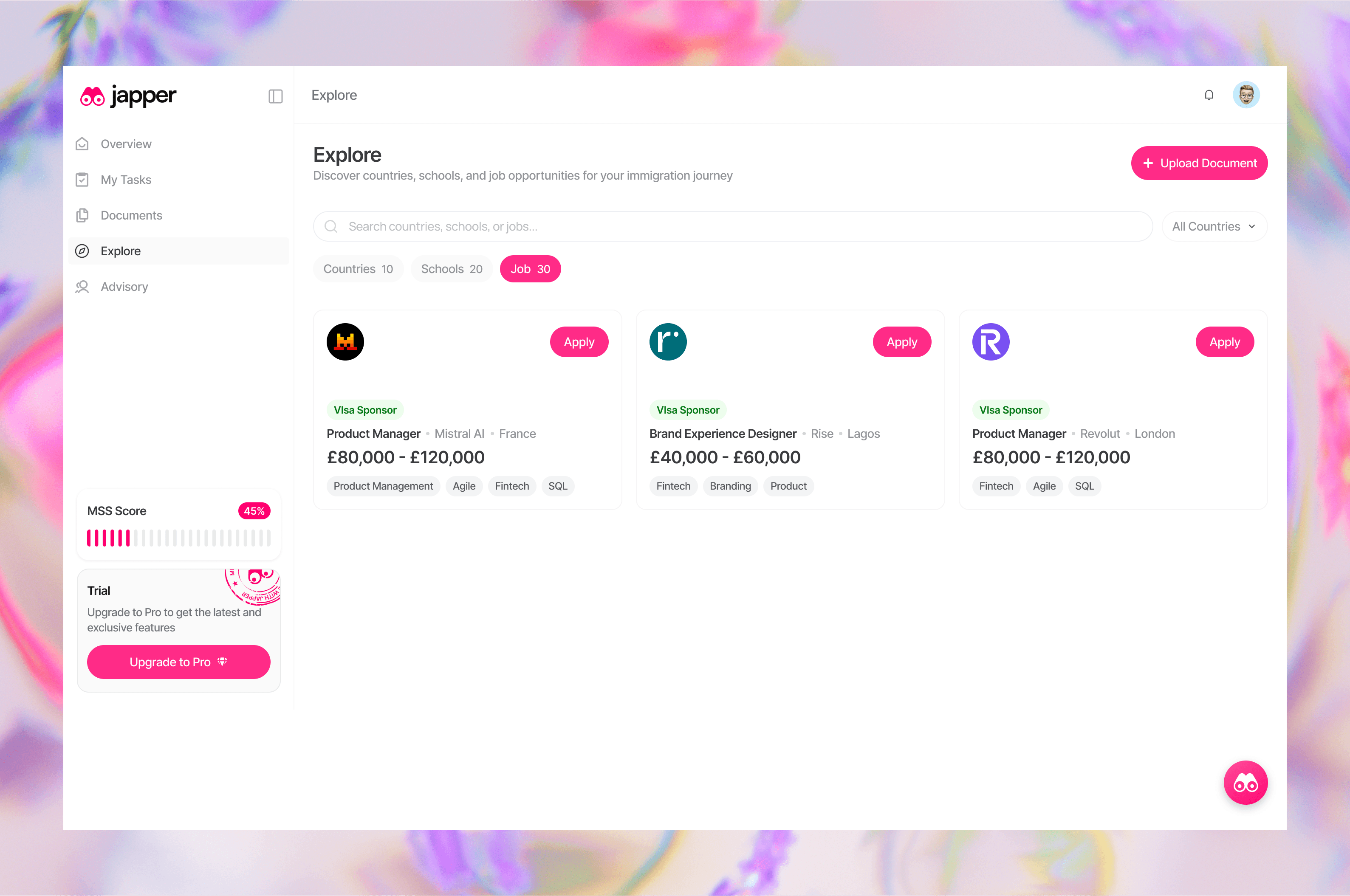
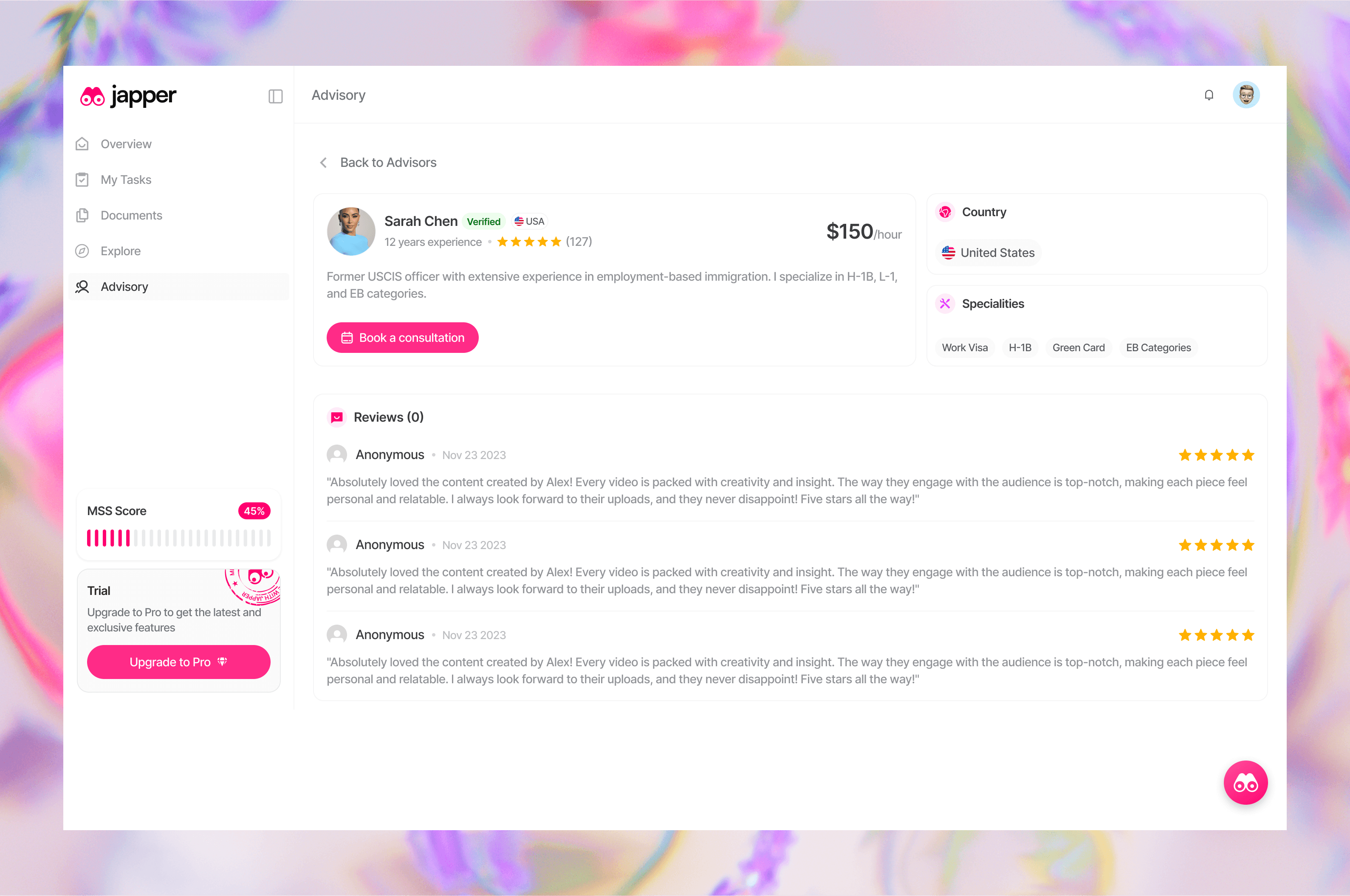
Immigration advice from the wrong source can derail an application entirely. The Explore section — surfacing verified consultants and immigration lawyers with ratings, contact numbers, and reviews — addresses this risk directly. Placing it inside the product rather than pointing users to a Google search keeps trust within a curated ecosystem. The reviews section extends this further by surfacing real user experiences, turning peer knowledge into a structured resource rather than leaving it scattered across forums and group chats.
What the user should understand: The experts here are vetted — I can get professional help without leaving the platform.
What the user should feel: Supported by both the product and a community that's been through the same process.